Photorealistic Smile Simulator: What Actually Convinces Patients to Say Yes
A photorealistic smile simulator can be the difference between a patient saying maybe and yes. Here is what actually makes a preview believable.
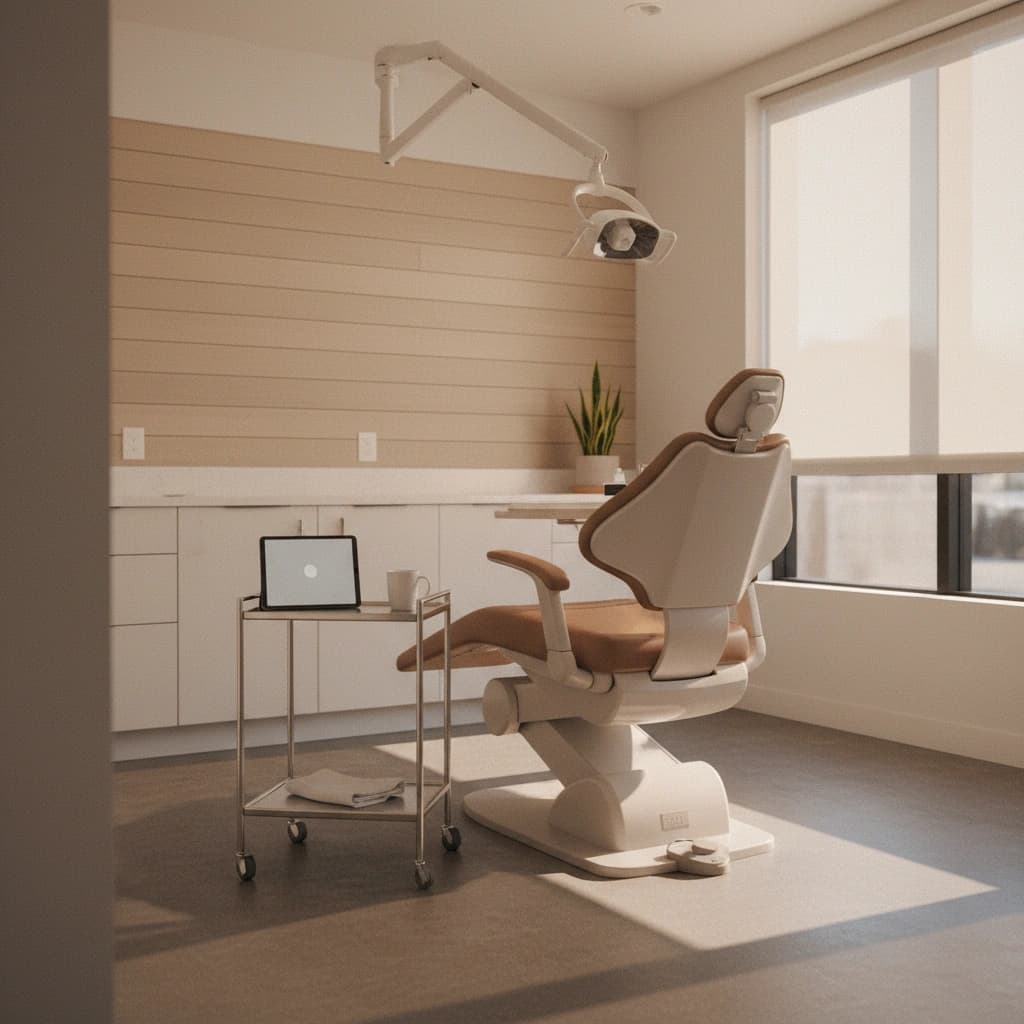
A patient sits in your operatory, looks at a smile preview on your iPad, and says it does not really look like them. The conversation cools. The treatment plan goes home in a folder and quietly dies on a kitchen counter.
That tiny moment of disbelief is where most cosmetic cases get lost. Not at the price reveal. Not at the financing question. At the visual. If the simulated smile does not feel real, nothing else you say will land.
This is why photorealism matters more than almost any other feature in a smile simulator. A preview that looks like a stock-photo overlay tells the patient one thing, very clearly: this is not actually possible for me. A preview that looks like a real photograph of their face with a better smile tells them something very different.
This is a guide to what photorealistic actually means in this category, and what practice owners should look for before paying for any tool.
Why photorealism is the deciding factor
Cosmetic dentistry sits in an odd place. You are asking a patient to commit thousands of dollars, sometimes tens of thousands, for an outcome they cannot test drive. Veneers do not come back if they do not like them. All-on-4 cannot be undone over a weekend.
Patients know this. Their hesitation is not stinginess. It is risk. The case acceptance literature has been pointing at the same finding for years: when patients can clearly visualize the end result on themselves, they say yes more often. When they cannot, they postpone.
A simulator that looks even mildly artificial reinforces the risk. It says, in effect, "we are guessing what this will look like." A simulator that looks like a candid photo of their face says, "we have already done it. Here it is." The clinical work has not changed. The conversation has.
Practices that switch from drawn diagrams or stock before-and-after libraries to a true photorealistic preview routinely report case acceptance jumps in the 30 to 50 percent range. The technology is not magic. It is the simple psychology of seeing yourself in the outcome.
What "photorealistic" actually means
The word gets thrown around loosely. Almost every smile simulation tool on the market claims to be photorealistic. Most are not. Here is what separates a real photorealistic smile simulator from a marketing label.
The tooth shape sits naturally inside the lips. A common giveaway in weak simulations is teeth that look pasted on top of the mouth. The lips, the corners of the smile, the gum line, all of it has to integrate. A patient does not consciously notice this when it works. They notice immediately when it does not.
Lighting matches the original photo. The simulated teeth need the same shadow, highlight, and ambient color cast as the rest of the face. If your office is warm-lit and the simulated teeth are lab-bright white with cool tones, the brain rejects it before the patient has formed a sentence.
Translucency and shade nuance is preserved. Real teeth are not solid white. They have translucency at the edges, slight color variation, subtle imperfections that make them look human. A photorealistic simulator should let you preview shades that look like a real outcome, not a cartoon. Smile PreVue offers more than 20 VITA shades for this reason. A patient who would never accept Hollywood white might happily accept a natural A1 once they see it on themselves.
Texture is not airbrushed away. Lip texture, skin texture, and stubble all matter. Tools that smooth everything to a glossy finish trigger the same uncanny-valley reflex that bad AI photos do. Patients sense it without being able to name it.
The angle of the patient's photo is respected. A simulator that only works on perfectly head-on portraits is not chairside. Real consults happen with phones and tablets and slightly off angles. A capable simulator handles those without distorting the face.
Where most simulators fall short
The legacy player here is Digital Smile Design, often shortened to DSD. DSD has been around for years and is built around a more deliberate, lab-driven workflow. It can produce beautiful work in skilled hands, but the process is not designed for chairside, real-time previews. It is designed for case planning over hours and days. Patients in the chair do not get to see a polished, photorealistic version of their own smile while you are still in the consult.
Smilecloud takes a more cloud-native approach and offers strong design tools, but practices often report a steeper learning curve and a workflow that still feels closer to a design studio than a five-minute consult. SmileViz and similar tools are catching up but vary widely on output quality. Some lean heavily on cartoonish overlays that patients see through.
This is not to dismiss any of these. They each have a place, and a busy DSO might run more than one tool. But practice owners shopping for photorealism specifically should evaluate output side by side. Pull the same patient photo, run it through each tool, and look at the result on a phone screen the way patients will. The differences become obvious in seconds.
What practice owners should actually evaluate
When you are looking at smile simulation tools and trying to decide which one earns a spot in your operatory, the marketing pages all blur together. Strip the noise away and judge by what matters at the chair.
- Speed. Can your team capture a photo and produce a preview inside a normal consult window. Anything that takes more than five to ten minutes will not get used consistently.
- Hardware. Some tools require a TRIOS scanner or other capital equipment. Smile PreVue runs on the iPad you already have. No new hardware is a real budget unlock for practices that do not have an enterprise-tier digital workflow.
- Realism on a patient's phone. Patients will pull out their phone and look at the preview again at home, often with a partner. The image needs to hold up on a phone screen, not just a 27 inch monitor.
- Shade range. A simulator that only does Hollywood white misses most of the cosmetic market. Look for natural ranges across the VITA shade scale.
- HIPAA posture. Patient photos are protected health information. A serious tool has to treat them that way, with proper handling and storage.
- Pricing that fits an SMB practice. Most cosmetic-focused practices do not have an enterprise IT budget. A reasonable monthly tier with a clear free trial removes the risk of trying something new.
- Time to first preview. From signup to first real patient preview should be less than a day. If onboarding takes a week, the tool will sit unused.
If a tool fails on speed or realism, the rest does not matter. Practices abandon tools that are slow or visually unconvincing within a month, no matter how much they paid.
The chairside conversation that closes the case
Photorealism alone does not close cases. The conversation around it does. A useful pattern that experienced cosmetic dentists and practice owners share looks roughly like this.
Take a normal consultation photo at the start of the visit. Run the simulation while the patient is still in the chair. Show them the side-by-side on the iPad and stay quiet. Let them look. The first words usually come from them, and they almost always include some version of "wow" or "is that really what it would look like."
That is your opening. You are not selling. You are answering questions about a result they have already mentally tried on. Talk through the shade options, show them a more conservative version and a more dramatic one, and let them choose. The job stops being about convincing them that veneers or whitening or aligners are worth it. The job becomes about helping them pick the version they want.
This is the part the technology unlocks. Without a believable preview, the patient is being asked to imagine an outcome. With one, they are being asked to choose between outcomes they have already seen on their own face.
Realism is a system, not a feature
The temptation when shopping for a smile simulator is to treat photorealism as one feature among many. It is not. It is the foundation that decides whether every other feature actually gets used. A beautiful pricing module, a slick treatment plan generator, a clean patient portal, none of it matters if the visual at the heart of the consult does not feel real.
Practice owners who treat realism as the headline question end up with tools that get used every day. The ones who treat it as a nice-to-have end up with subscriptions that quietly lapse.
Smile PreVue was built around this single idea. The output should look like a photo of the patient, not a sketch. The setup should be ten minutes, not ten weeks. The hardware should be the iPad already in the operatory. The pricing should fit a normal cosmetic practice, not a corporate enterprise.
See it on a real patient photo
The fastest way to evaluate any photorealistic smile simulator is to use it on a real patient photo and look at the result. Marketing screenshots are designed to look great. The honest test is your own image, your own lighting, your own consult.
Smile PreVue offers a 3-day free trial with no hardware required. You can capture, simulate, and present a real case in under ten minutes from signup, on the iPad you already use chairside.
Start your free 3-day trial of Smile PreVue and run a simulation on your next consult. If the result does not look like a photo of your patient, do not pay for it. If it does, the conversation in your operatory is about to change.
More from the Blog
Same-Day Case Acceptance: The Economics of Closing High-Ticket Cosmetic Cases in One Visit
Same-day case acceptance is the single biggest revenue lever in cosmetic dentistry. Here is the psychology, the math, and what makes a one-visit close possible.
Case AcceptanceTreatment Plan Presentation Framework: The 4-Phase Model for High-Ticket Cosmetic Cases
A 4-phase treatment plan presentation framework that lifts cosmetic case acceptance. The psychology, sequence, and missing piece behind a same-visit yes.
Case AcceptanceDental Case Acceptance Rate Benchmarks 2026: What Cosmetic Practices Actually Close
The honest dental case acceptance rate benchmark for 2026: real numbers by procedure, practice type, and case size, plus what separates the top quartile.